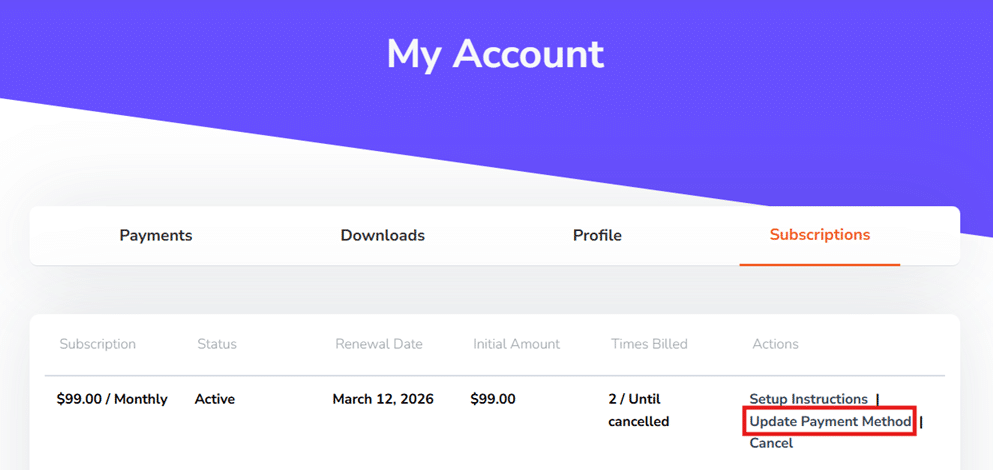
You can update your payment method by logging into the My Account > Subscriptions section of the website.
Once your payment method is updated, please contact our support to process failed payments in order to reinstate service immediately.
👉 If you signed up using PayPal, the source of payment is managed within your PayPal account and not on our website. We no longer support PayPal for new subscriptions, due to its limitations.