



Jason
November 9, 2026
Amazon keyword tools help sellers get found by the shoppers who are already searching for their product. If you want to expand your reach and attract the right customers, effective keyword research is a smart place to start.
Many new and experienced sellers look for budget-friendly ways to refine listings without paying for software. For a closer look at Amazon SEO techniques and keyword research strategies, check out our beginner's guide to Amazon SEO.
Why Free Amazon Keyword Tools Matter for Sellers
Many Amazon entrepreneurs are bootstrapping their businesses. Free tools give you a way to uncover the words shoppers type into the search bar, so you can position your products in front of customers ready to buy.
"Using free tools still requires strategy. You'll want to include both broad and more specific terms throughout your listing, especially in your product title and bullet points."
If you need a step-by-step tutorial on discovering keywords using Amazon's data, check out these proven keyword search strategies. Mixing broad and specific keywords gives you a stronger foundation.
5 Free Ways to Find Keywords for Your Amazon Listing
Below are five free options. Free tiers and limits change often, so check each provider's site for what is included today. Using more than one gives you a fuller picture of the keywords in your niche.
| Option | Best For | What It Gives You |
|---|---|---|
| Amazon search bar suggestions | Real shopper phrases | Autocomplete terms as people type |
| Amazon Brand Analytics | Brand-registered sellers | Search term reports from Amazon |
| Helium 10 (free version) | Reverse ASIN and brainstorming | Cerebro and Magnet, with limited free use |
| Keyword Tool Dominator | Long-tail keyword discovery | Amazon autocomplete expansions, marketplace and language filters |
| SellerApp (free extension) | Quick keyword ideas | Auto-suggest terms in the browser, export |
1. Amazon's Own Search Bar
The simplest free tool is Amazon's search bar. As you type a phrase, Amazon suggests what shoppers search for next. Start with a core term, then add each letter of the alphabet after it to see the long-tail variations.
- Shows real phrases shoppers use
- Easy to repeat for every product idea
- No search volume numbers, so use it for ideas rather than ranking
2. Amazon Brand Analytics
If you own a registered brand, Amazon Brand Analytics (available in Seller Central through Brand Registry) includes search term reports that show what shoppers search for in your category. It is free for eligible brand owners and comes straight from Amazon.
3. Helium 10's Free Version
Helium 10 offers a free plan with some of its tools, which helps sellers gather keyword suggestions. Free use is limited, so check Helium 10's site for the current allowance.
- Cerebro for reverse ASIN lookups (limited on the free tier)
- Magnet for keyword brainstorming and related-term discovery
Helium 10's paid plans (Platinum was listed at $129/month, or $99/month billed yearly, in November 2026) add far more, but the free version is enough to get started.
4. Keyword Tool Dominator
Keyword Tool Dominator taps into Amazon's autocomplete data to compile real consumer search terms. Free use has limits, but it can still surface long-tail phrases that you might miss by hand.
- Long-tail keyword discovery from Amazon suggestions
- Filters by marketplace and language
- Alphabetical and numerical expansions for term variations
5. SellerApp's Free Extension
SellerApp provides a free Chrome extension that shows keyword suggestions on the Amazon search page, so you can see auto-suggest terms and export them quickly.
- Generates keyword ideas from Amazon auto-suggest
- Supports multiple marketplaces
- One-click download of discovered terms
Optimizing Your Backend Keywords (And Related Tools)
Don't overlook backend keywords when optimizing your listings. For a practical breakdown of how to make them work harder, see this step-by-step guide to backend keywords on Amazon. If you handle many SKUs or move between ASINs and UPCs for catalog management, this ASIN to UPC/EAN converter can simplify your workflow.
Tips for Maximizing Your Keyword Research
- Target a core set of high-relevance terms, then branch into long-tail variations.
- Track product performance and refresh keywords if click-through rates drop.
- Review keywords monthly or quarterly to stay ahead of trends.
- Use backend keywords for synonyms and spelling variants you can't fit in your listing.
Longer, specific phrases like "ceramic travel mug with lid" often match what a shopper wants more closely than short, generic keywords. Keyword research is also ongoing, because trends shift with seasons and consumer behavior.
After the Keywords: Check the Profit
Keywords tell you what shoppers search for. They do not tell you whether a product makes money. Once you have a product in mind, stage.analyzer.tools shows profit, ROI and Bought in Past Month for each product, thousands at a time, including FBA and MFN fees. Its AI Title Search matches products by product name, so a product title or keyword phrase finds the matching listings.
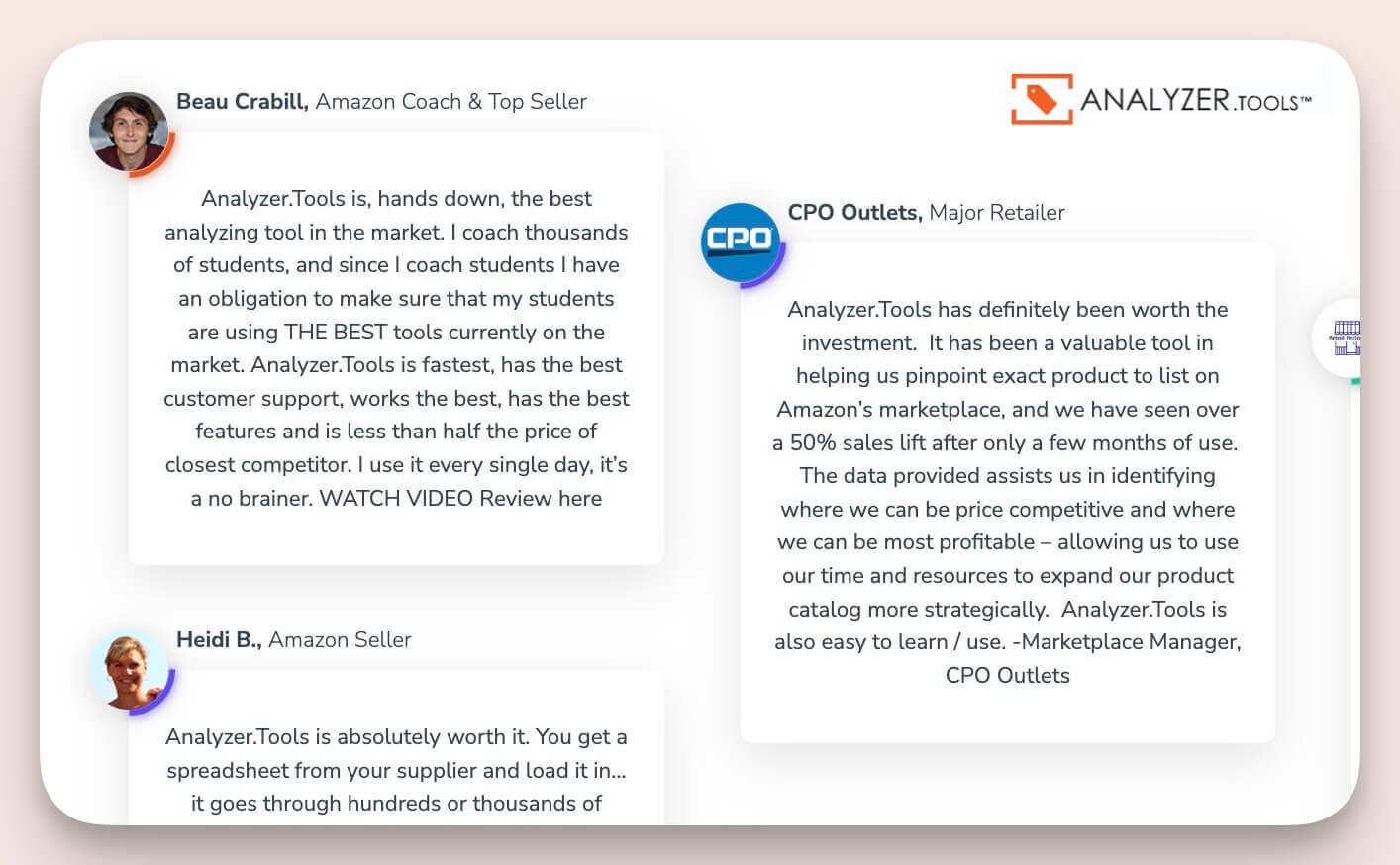
If you work with large catalogs, see how stage.analyzer.tools compares in this guide to Scan Unlimited alternatives.
Plans start at $15 for a 2-day pass.
Wrapping Up
Even on a small budget, there are plenty of free keyword options. Use them to refine your product titles, bullet points and backend keywords, then check the numbers on any product you plan to buy.
Ready to go a step further? Read this beginner's guide to Amazon SEO. Well-chosen keywords connect you with customers who are already looking for your product.
FAQ
- Is stage.analyzer.tools a keyword research tool?
No. It is built for profit analysis. It processes up to 4 million products per hour and shows profit, ROI and Bought in Past Month for each one. Its AI Title Search matches products by product name, which works with titles and keyword phrases. For search volume and keyword ideas, use the free options above. - Can stage.analyzer.tools analyze bulk wholesale catalogs?
Yes. It is designed for bulk processing, with up to 4 million products per hour, which suits sellers working from large supplier price lists. Plans start at $15 for a 2-day pass. - Which option should I use if I just want raw keyword data?
Start with Amazon's own search suggestions and Keyword Tool Dominator, which focus on autocomplete data. They are handy for basic, no-frills Amazon keyword research when you do not need profit data. - Why are backend keywords important?
Backend keywords let you include synonyms and spelling variants that do not fit in your title or bullet points, which widens the searches your listing can match. - Where can I find additional Amazon stats and selling trends?
See our breakdown at Amazon Statistics for marketplace data and trends.
Sources
Helium 10 pricing: Helium 10's own pricing page, checked 8 November 2026. stage.analyzer.tools features and pricing: the stage.analyzer.tools homepage, checked November 2026. Sonar by Sellics, which an earlier version of this article listed, has been removed because Sellics is no longer sold as a standalone product after being merged into Perpetua.