The Basics
Ever wonder what top sellers sell? This feature allows you to stalk a competing sellers storefront and pull all of the sellers products into stage.analyzer.tools for analysis.
Using Search By Competing Seller
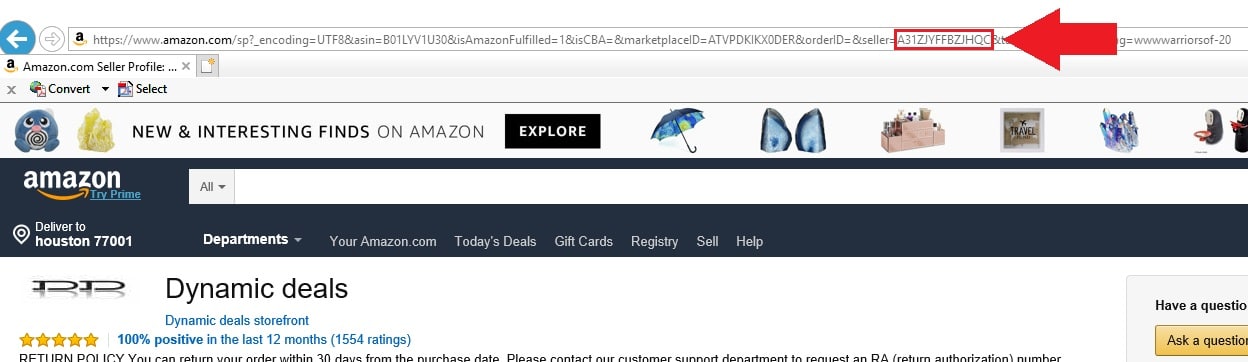
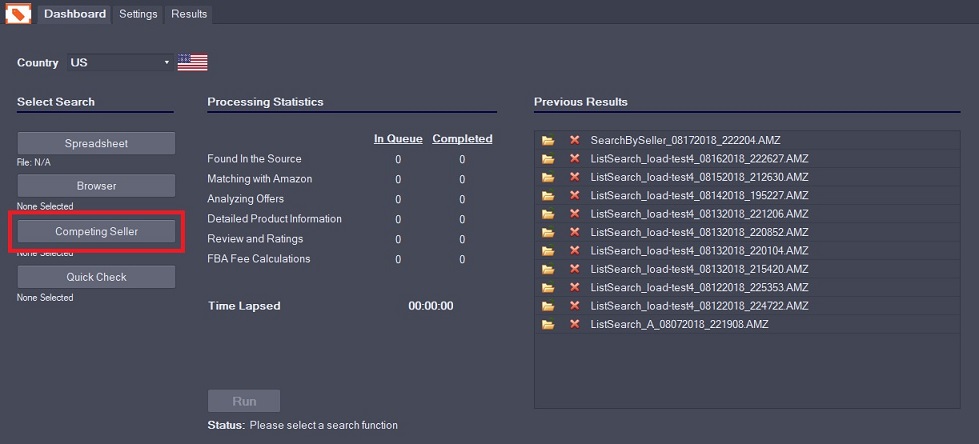
To use this feature you will need the competing seller’s Seller ID. You can find it in the URL generated by clicking on a seller as shown below. Simply look for the string of letters and numbers following “seller=”. Open stage.analyzer.tools and click on Competing Seller and copy and paste this ID into the window and click “Run”.